Notes, tasks, clients, time tracking, income and expenses — one calm workspace for your entire freelance business.
No spam. We'll email you when it's your turn.
Imagine if you could
Simple examples. Real problems. Each one solved with one tool.
← Customers
Acme Studio
Design Agency
01 — Clients
Phone number, company, notes, payments — all under one profile. No more digging through emails.
Upcoming
02 — Agenda
Schedule it, see it on your dashboard. Color-coded: red = overdue, amber = today, green = you're good.
03 — Time Tracking
Log time in 15-minute blocks, tied to the client. When they ask "how many hours?", you just check.
04 — Income
Log every payment. See totals per month, per client. No more spreadsheets.
05 — Expenses
Software, hardware, travel — log it when it happens. All in one place when your accountant asks.
Kickoff — Brand Refresh
06 — Notes
Rich text with headings, bullet lists, links, and code blocks. Not a plain text box.
Customers
Tasks
07 — Dashboard
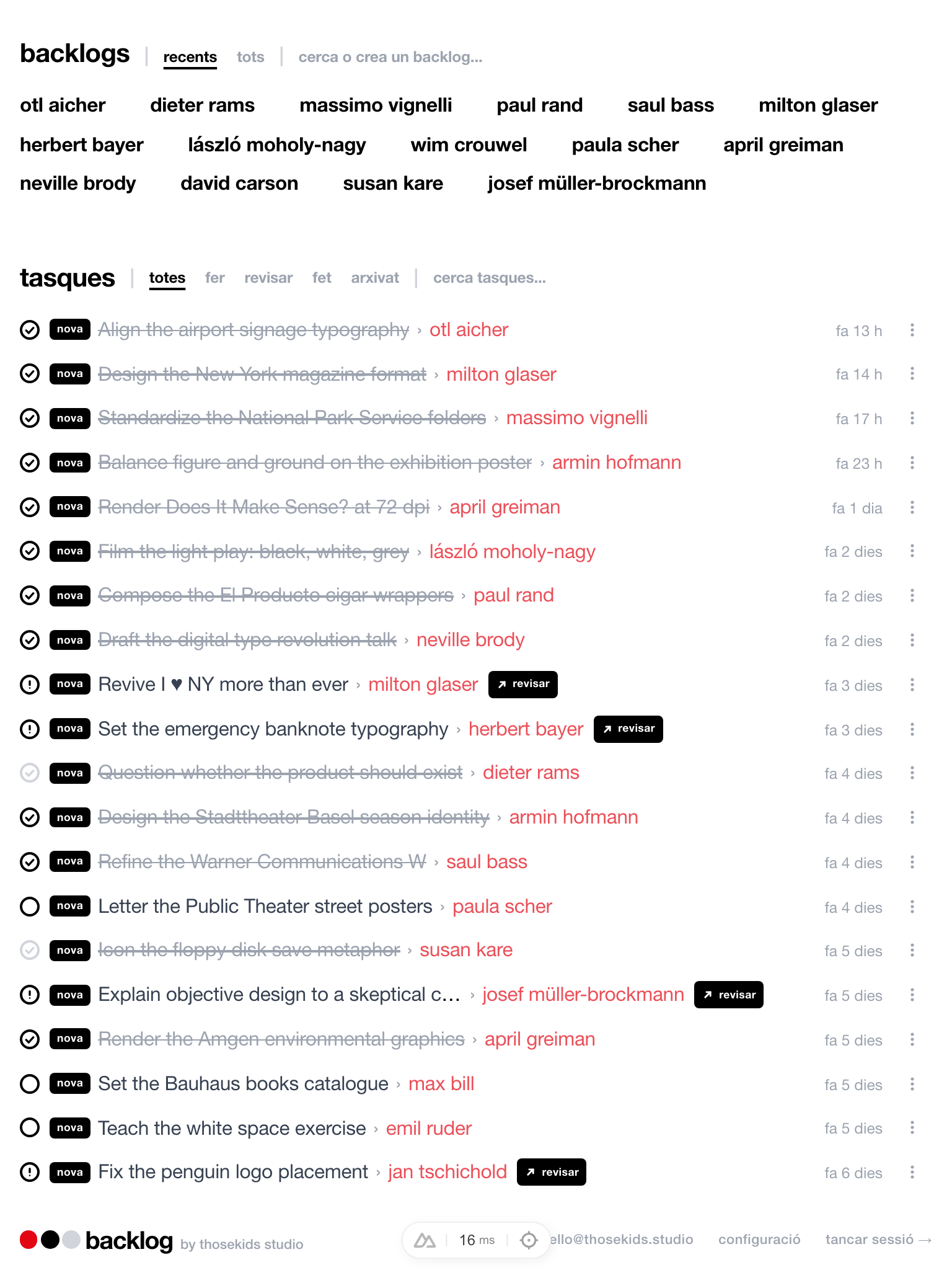
Open the dashboard, see clients, tasks, deadlines, and recent activity. One screen, zero clicks.
08 — Search
Search by title, content, client, or type. Your entire freelance history, searchable in seconds.
09 — Tasks
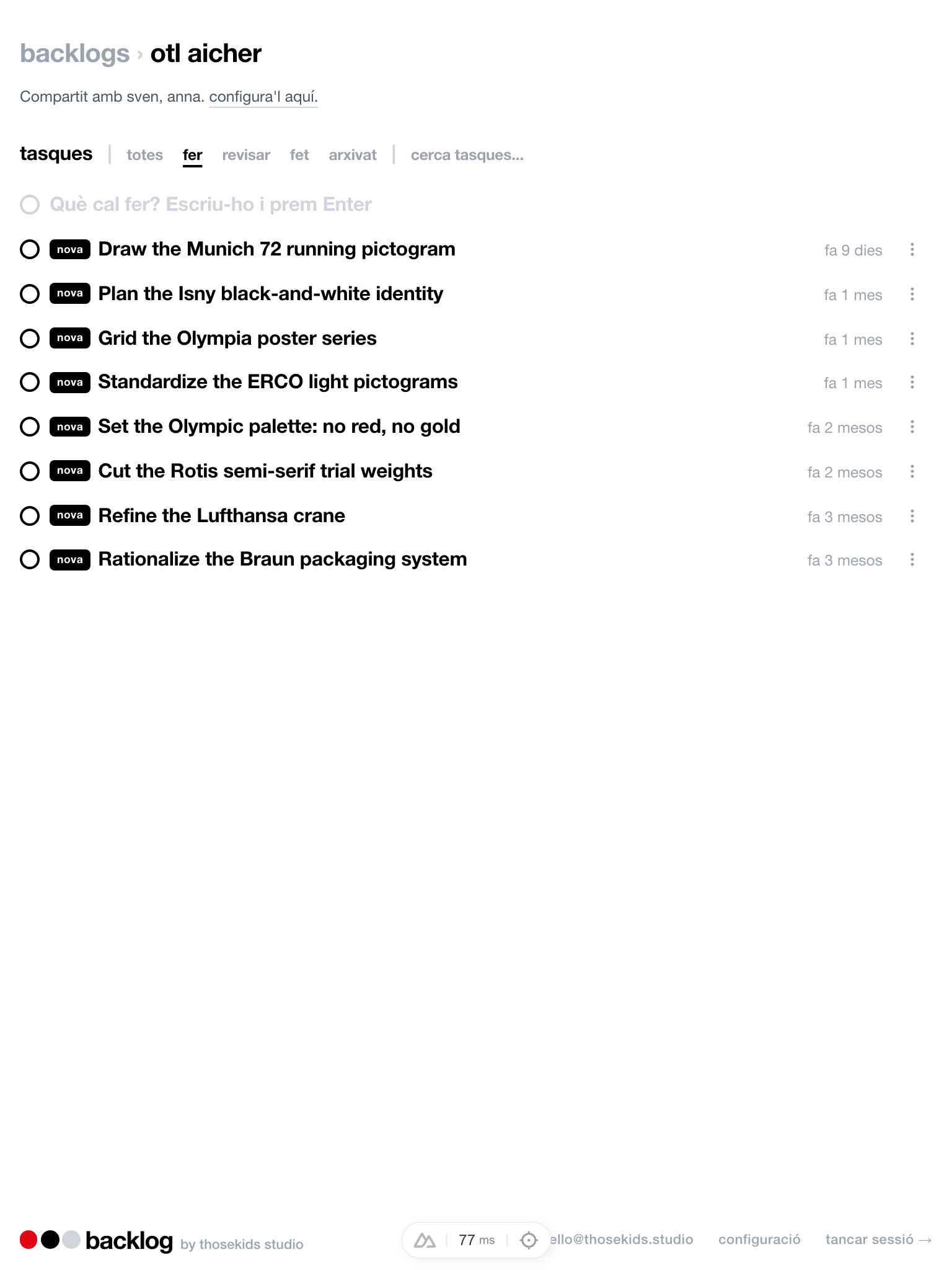
Add tasks, check them off, see what's pending. Your open tasks are always on the dashboard.
Last 12 months · Income only
10 — Profitability
Per-client income vs expenses vs hours. Spot who's profitable and who drains your time.
11 — Organization
Add #tags to any entry. Search by tag later. Backlog suggests tags you've used before.
6 types. 1 input. That's it.
12 — Productivity
Notes, tasks, calendar, time tracker, spreadsheet — Backlog replaces all of them. One tab, one tool.
Call with Acme — Mar 14
They want to shift to a warmer palette. New deadline is April 5. Sarah is the new point of contact.
13 — Client Notes
Write a note after every call. It's saved under their profile forever. Next time, you're prepared.
14 — Financial Overview
The 12-month grid shows income, expenses, and hours side by side. Green is good. Red is a heads-up.
15 — Quick Entry
Type the title, pick "income", enter the amount, hit create. That's it. No forms, no friction.
16 — Filtering
Show only todos. Only income. Only one client. Mix and match. Find the signal in the noise.
Welcome back
No passwords. Ever.
17 — Security
Enter your email, click the link we send you, you're in. Magic links. Simple and secure.
Start typing → form opens → create
18 — Speed
Start typing and the form appears. Pick a type, add details if you want, save. Done.
One entry, two clients. Both see it.
19 — Client Tagging
Every entry can be tagged to one or more clients. When you open a client, you see only their stuff.
20 — Timeline
Scroll back through your timeline. Every entry has a timestamp. Your work diary, built automatically.
Early users say
"I used to track hours in a spreadsheet and tasks in Notion. Backlog replaced both and I actually enjoy logging my work now."
Laura M.
Freelance Designer
"The per-client financial view is a game changer. I finally know which clients are profitable and which ones I should drop."
Tom K.
Independent Developer
"Simple, fast, and it does exactly what I need. No learning curve, no bloat. I was productive in the first 5 minutes."
Sana R.
Content Consultant
Pricing
Cancel anytime. No hidden fees.
FAQ
Join the waitlist and be among the first to try Backlog when we open the doors.